Sketch Mechanisms
An Obsidian plugin that renders live, hand-drawn animations of 2D mechanisms — linkages, gears, cams, pendulums, and springs — from a simple code block.
Sketch Mechanisms is a community plugin for Obsidian that turns a small code block into a live, looping, hand-drawn animation of a classic 2D mechanism. It grew out of wanting to drop a quick kinematic sketch into my notes — a four-bar linkage, a slider-crank, a pair of meshing gears — without leaving the editor or exporting a video. The strokes are drawn with the same engine Excalidraw uses, so everything has a whiteboard, sketched-by-hand look, and the colours follow your Obsidian theme.
Opens the plugin page in the app.
MIT licensed.
Six mechanisms, animated in your notes
Each block renders one mechanism, drawn frame-by-frame and looping cleanly. Linkages trace the path of a highlighted point; the dynamic systems are integrated so the motion is physically faithful, not just decorative.
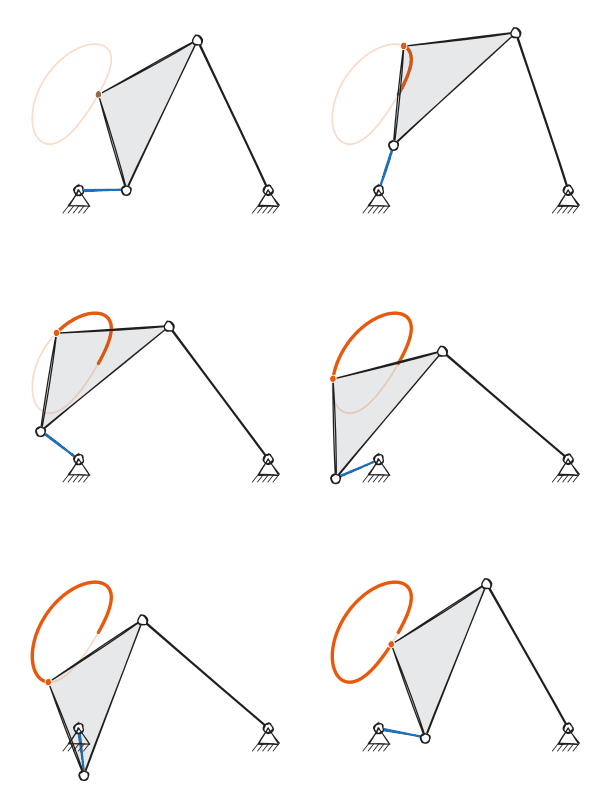
Four-bar linkage
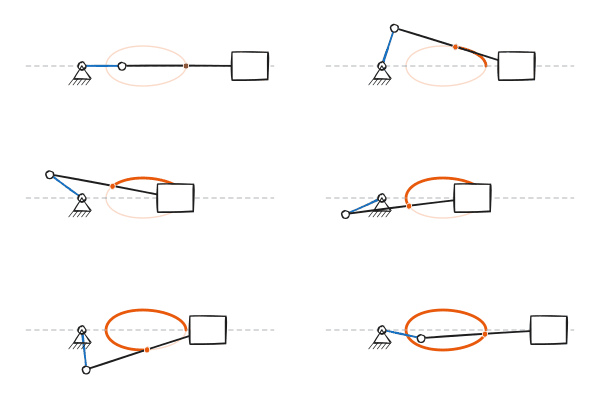
Slider-crank
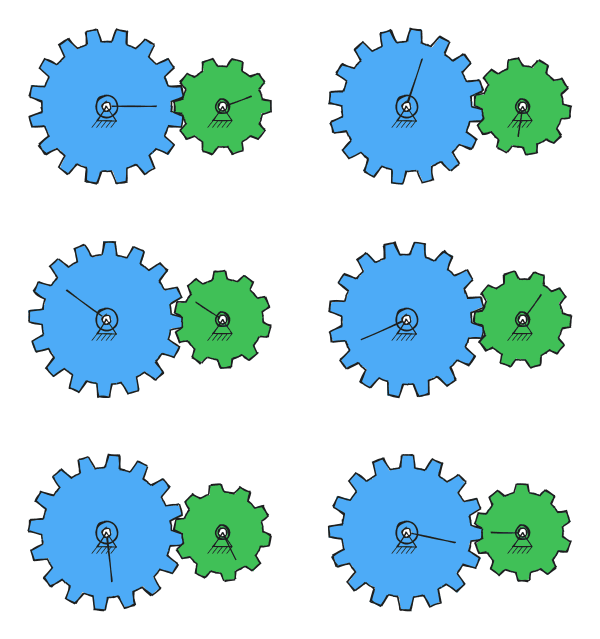
Gear pair
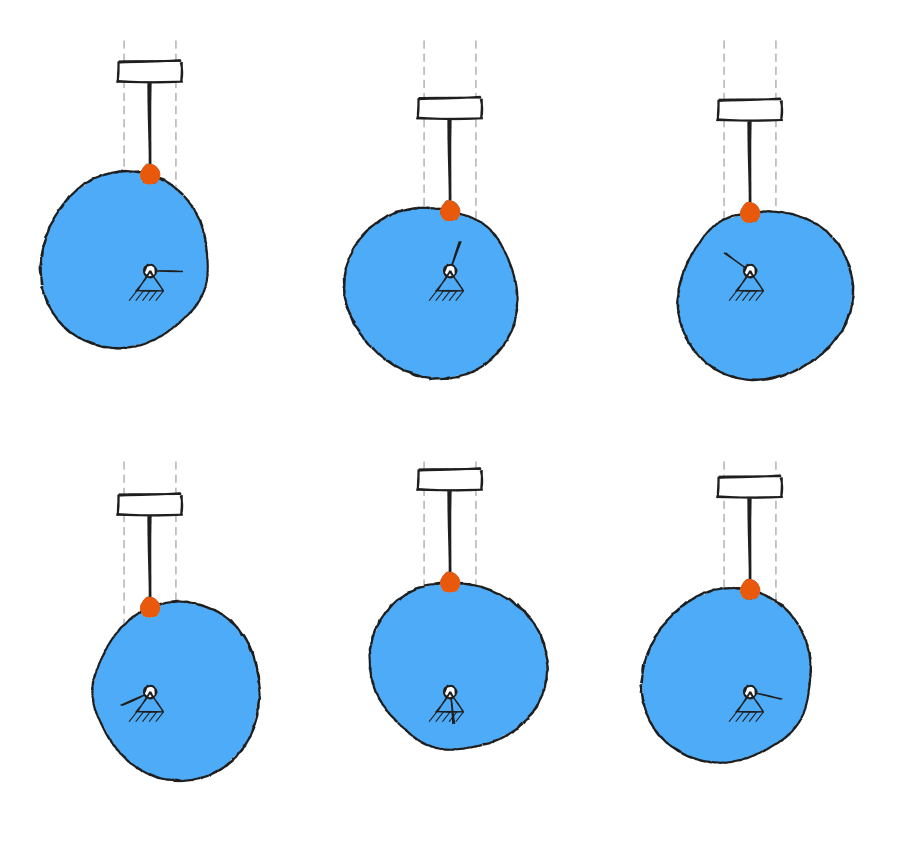
Cam & follower
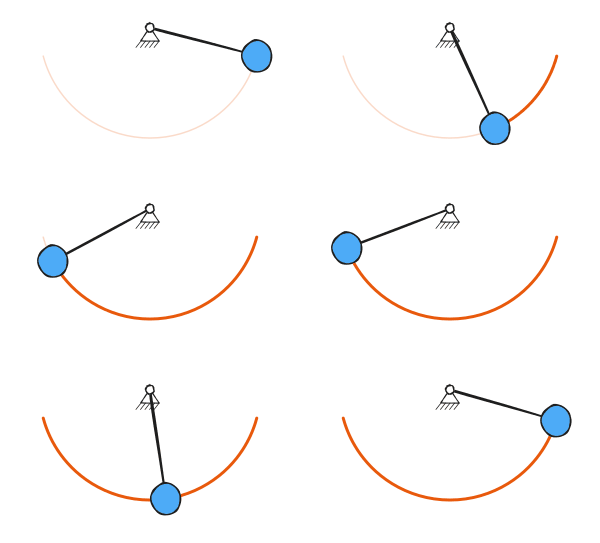
Pendulum
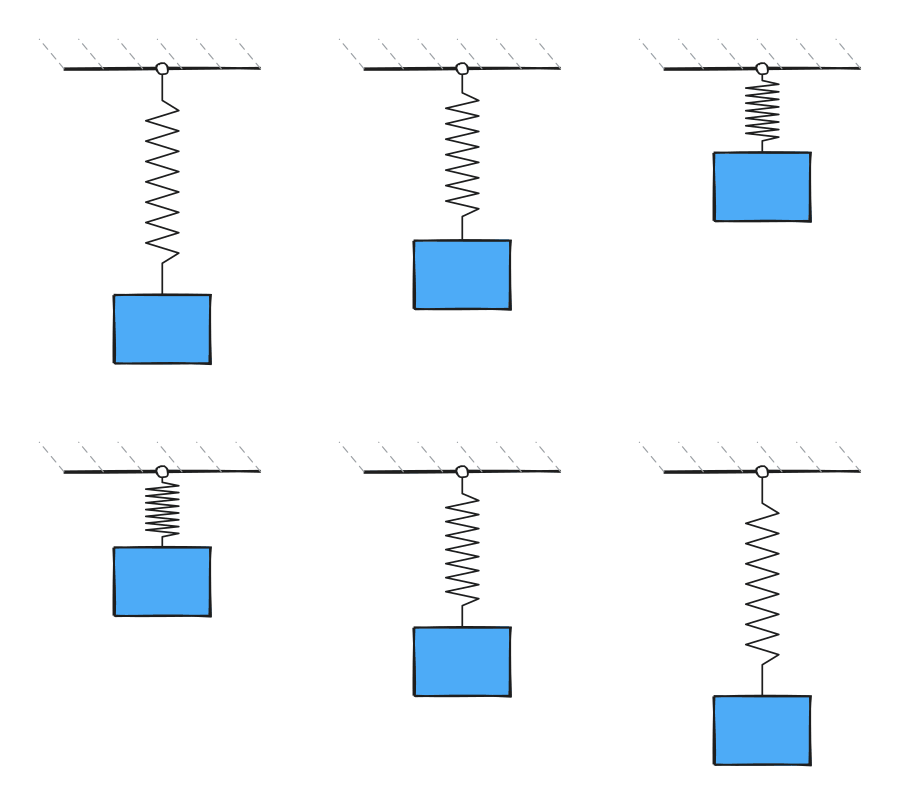
Spring-mass
How it works
Add a fenced code block with the language mechanism and describe what you want. The plugin renders an animated SVG inline, in both reading view and Live Preview. Click any drawing to play or pause.
```mechanism
type: fourbar
shimmer: 0.3
speed: 1
```
Every mechanism has its own parameters — link lengths, gear teeth, cam lift, pendulum angle — plus shared options for playback speed, line roughness, a shimmer dial that controls how much the strokes re-draw each frame (from rock-steady to lively), an accent colour, and whether to show the traced path. Full option tables live in the README.
What's inside
- Six mechanism types — four-bar linkage, slider-crank, external or internal/ring gear pair, cam with a follower, pendulum, and spring-mass oscillator.
- Genuinely hand-drawn — rendered with rough.js, the library behind Excalidraw, so it matches that sketched aesthetic rather than looking like clean CAD output.
- Physically faithful — linkage positions come from exact geometry; the pendulum is integrated with RK4 so large-angle swings are correct, and both the pendulum and spring support optional damping.
- Theme-aware and mobile-friendly — ink and paper colours follow your Obsidian theme (light or dark), it runs on the mobile app, and it respects your reduced-motion setting.
- Tweakable — cam dwell and motion profile, gear tooth counts, a movable traced point on the linkages, playback speed, and more, all from the code block or global settings.
Install
In Obsidian, open Settings → Community plugins → Browse, search for Sketch Mechanisms, install, and enable it. Then add a mechanism code block to any note. The plugin is free and open source under the MIT license.
Found a bug or want another mechanism? The issue tracker is open.